🤖 AI Assistant
Centralized AI conversation control. Copywriting, translation, search, and other AI features at your fingertips.
Grid Layout
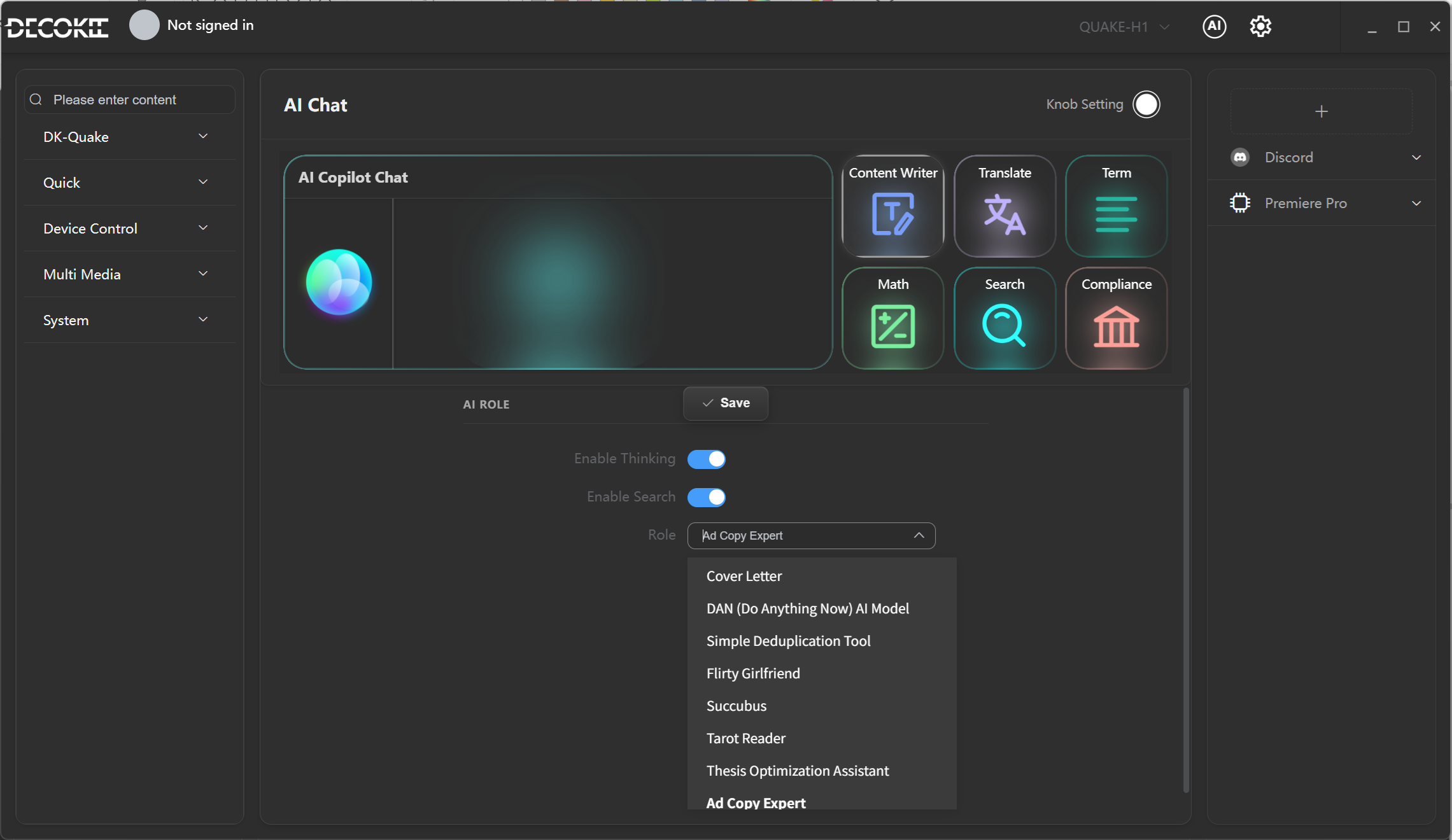
Shortcut Keys
| Position | Key | Function |
|---|---|---|
| (1,6) | ✍️ Content | Launches AI content writing assistant |
| (1,7) | 🌐 Translate | Launches AI translation assistant |
| (1,8) | 📖 Word | Launches AI word/term lookup |
| (2,5) | 🔢 Math | Launches AI math calculation/solver |
| (2,6) | 🔍 Search | Launches AI web search |
| (2,7) | ✅ Compliance | Launches AI compliance review/assistance |
Usage
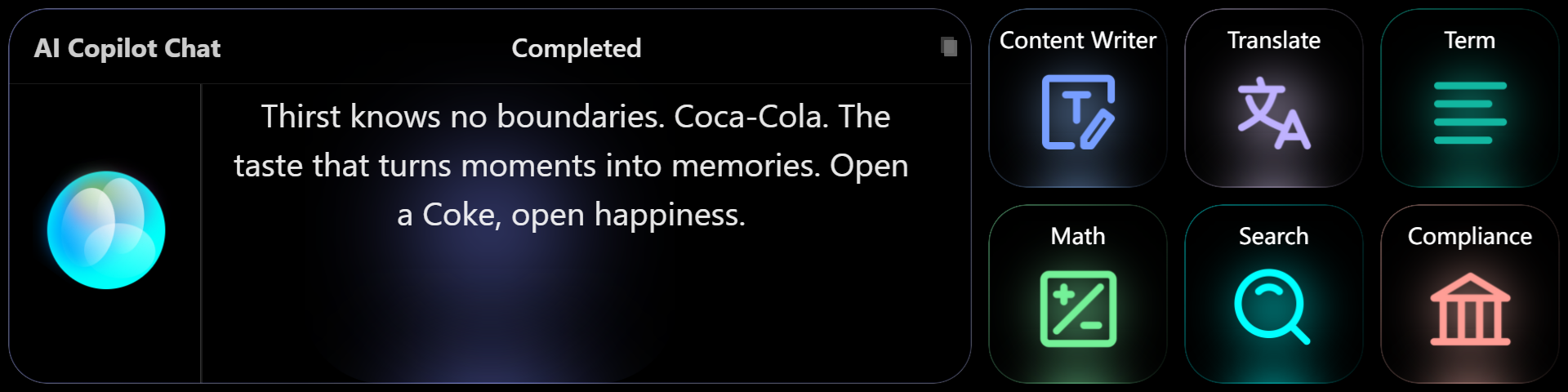
Quick Answer
Quick Answer — short and direct, gives you the answer right away.
- Long press a shortcut (e.g., Content, Translate), wait for 2 beeps, then speak your question — get an accurate answer immediately.
Role Configuration
Tap a shortcut key on the main screen (e.g., Content Writer) to enter settings. There are 100+ roles to choose from, covering writing, coding, translation, learning, creative, and various other scenarios.