🎛️ Knob & Voice
QUAKE-H1 uses a core interaction logic of knob rotation + button press + touch screen. The stepless damping knob has a customizable RGB LED ring.
Knob Controls
| Action | Function |
|---|---|
| Rotate | Switch profile / adjust volume / page navigation |
| Press & hold 2s → beep sound | Start voice input → release to send AI chat |
| Press | Trigger assigned shortcut |
Software Configuration
In Knob config mode, the center panel splits into 3 columns:
| Column | Configures |
|---|---|
| Left | Knob rotate-left action |
| Center | Knob press action |
| Right | Knob rotate-right action |
Each column can be assigned a different shortcut or AI chat entry.
Voice Route Modes
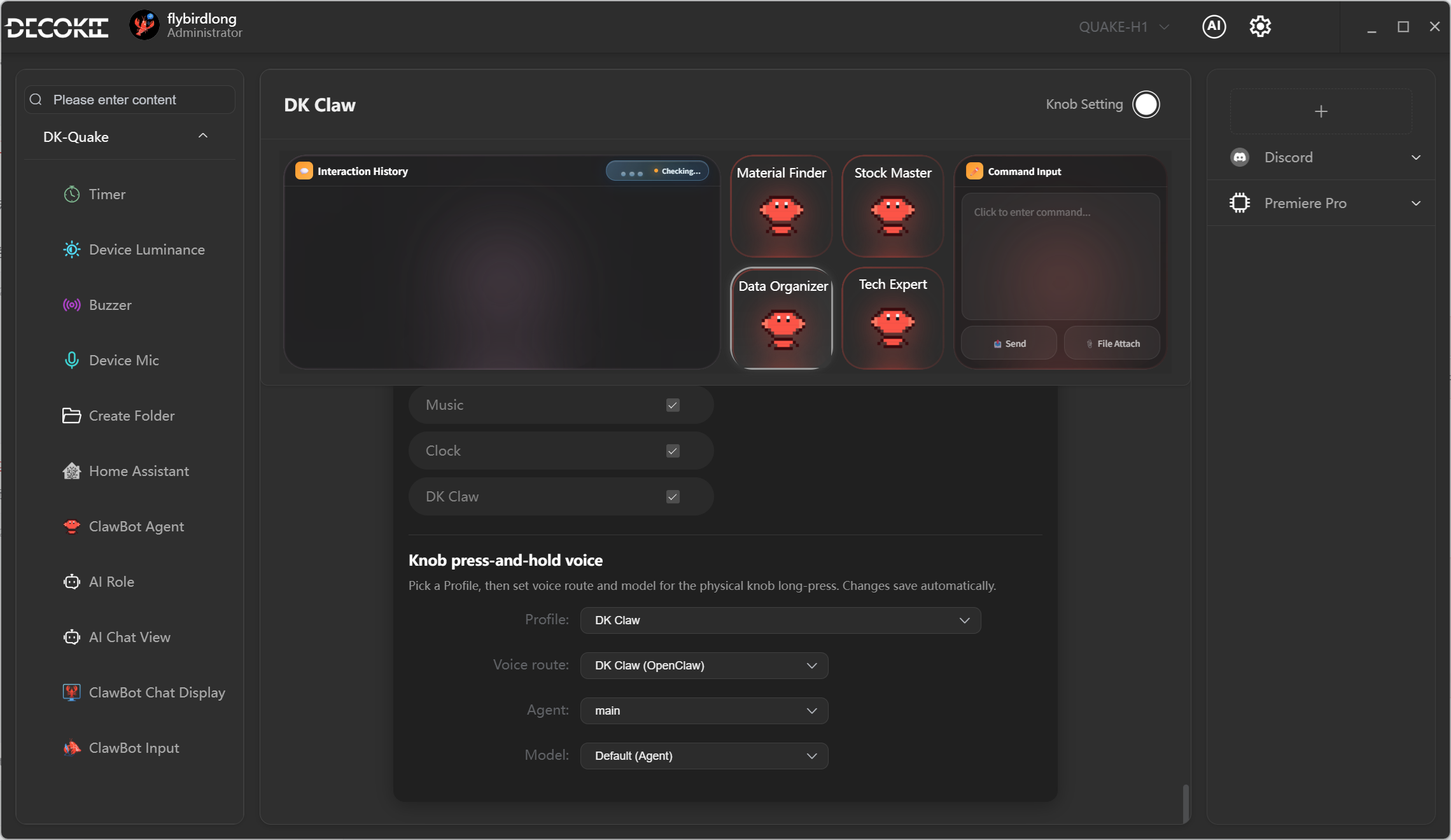
Long-press Knob triggers AI chat. The voice route depends on the active Profile:
| Mode | Description | Used by |
|---|---|---|
| Legacy Assistant | Original AI chat flow | Built-in profiles (except DK-Claw) |
| DK-Claw Agent | Route voice to a specific OpenClaw Agent (choose which agent) | DK-Claw profile |
| Direct Model | Skip agents, connect directly to an AI model (choose which provider and model) | Custom profiles |
Knob Verification
- Make sure DK-Suite is running and device detected
- Press & hold Knob 2s → hear a beep
- Say "Hello" toward the device
- Voice response confirms success