🦀 DKClaw ⭐
QUAKE-H1 core feature hub. Integrates the OpenClaw Agent and the Lobster dialogue panel.
Grid Layout
Layout
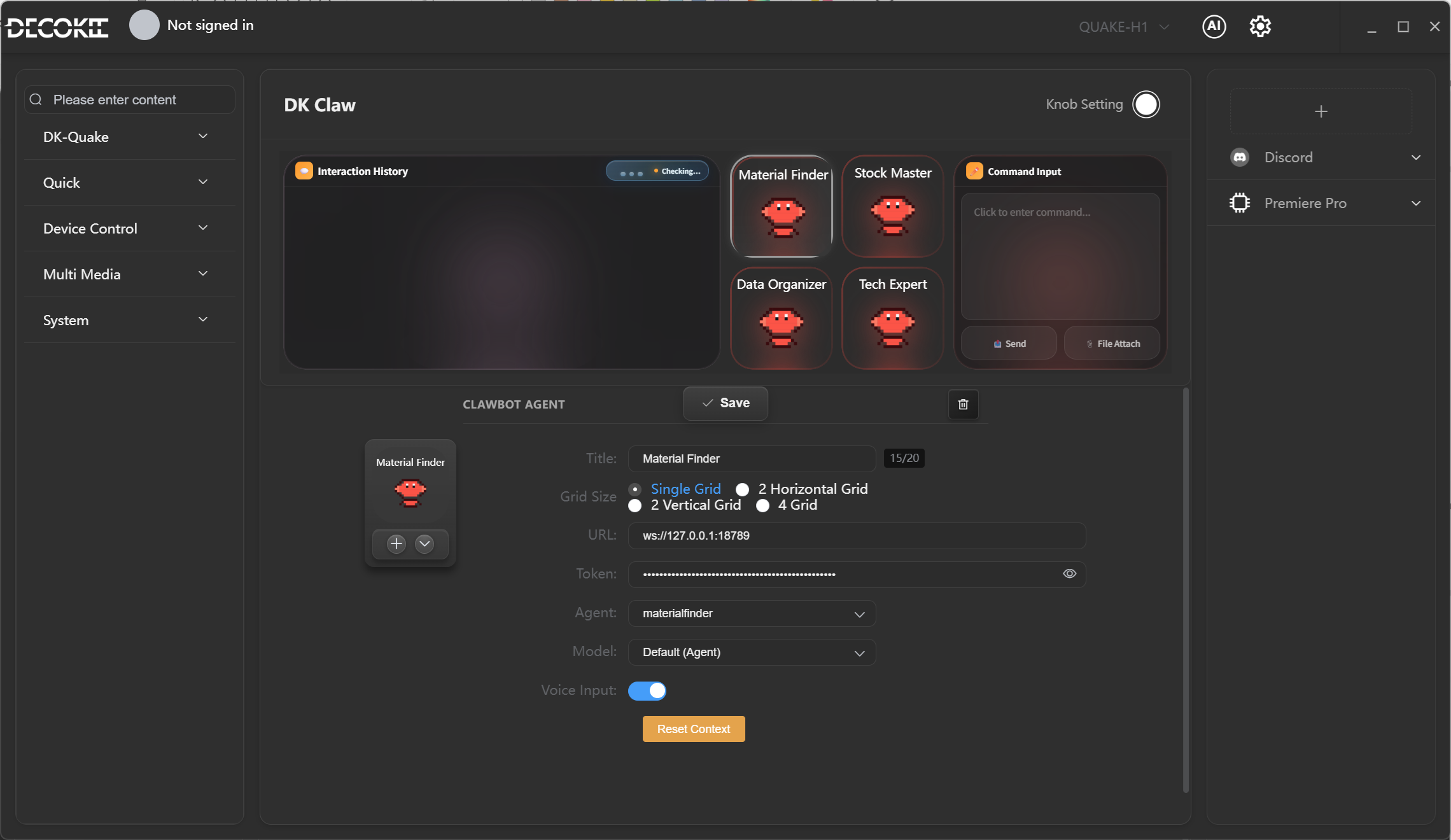
The DKClaw preset's 8×2 grid layout is as follows:
Main Panel
| Position | Component | Size | Description |
|---|---|---|---|
| (1,1) | 🦞 Lobster Dialogue Display | 4×2 | OpenClaw Agent conversation panel, occupies the left half of the screen |
Agents
| Position | Agent | ID | Function |
|---|---|---|---|
| (2,2) | 📦 Material Wizard | materialfinder | Searches and organizes web materials |
| (2,3) | 🔧 Tech Expert | techex | Technical Q&A support |
| (1,5) | 📊 Stock Master | stockmaster | Stock market analysis |
| (2,1) | 📁 Data Organizer | dataorganizer | File sorting and organization |
Voice routing is fixed to DKClaw mode.
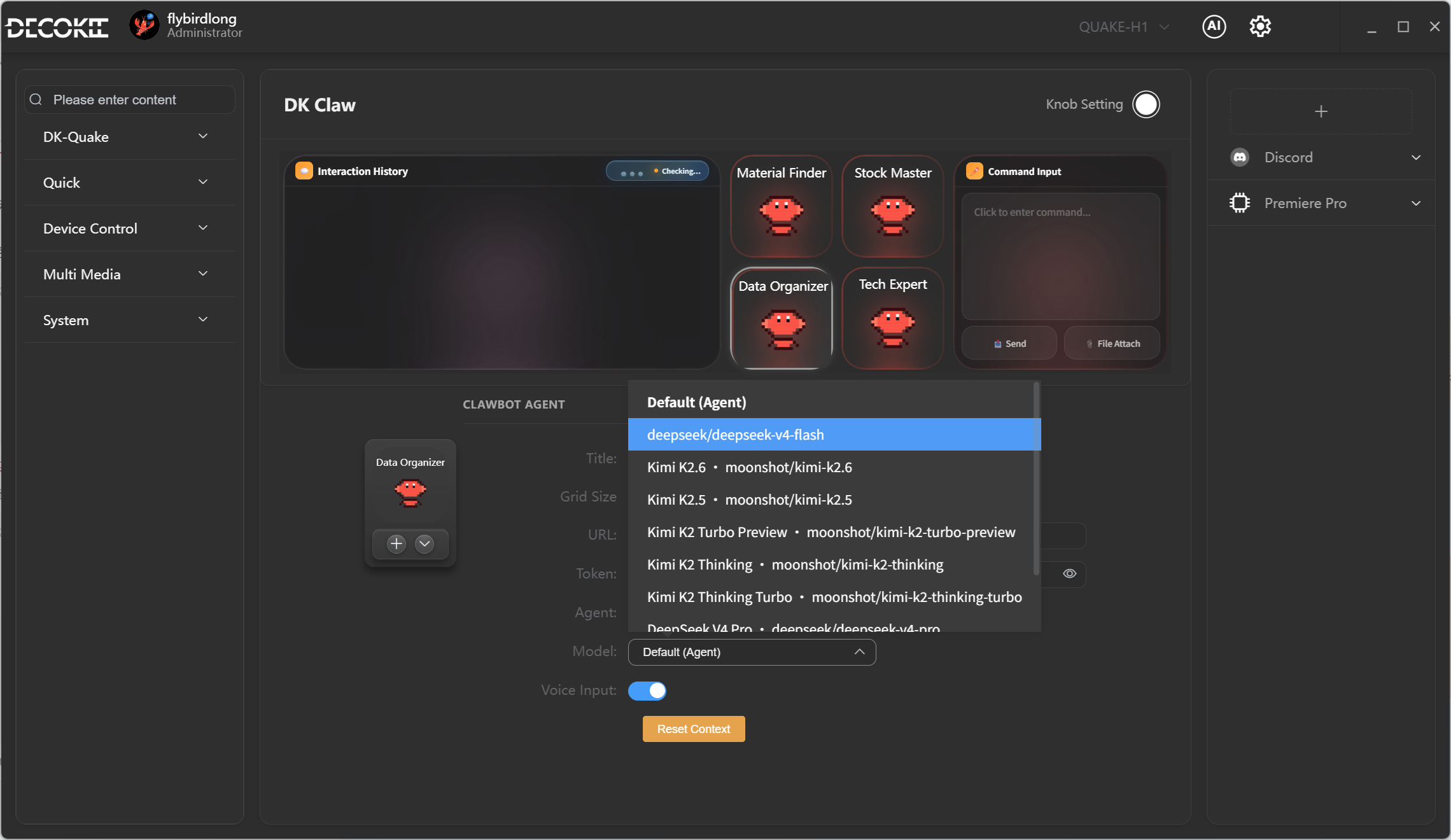
Agent Model Settings
Each Agent can be configured to use its own model. By default, it follows the overall default model.
Voice Usage
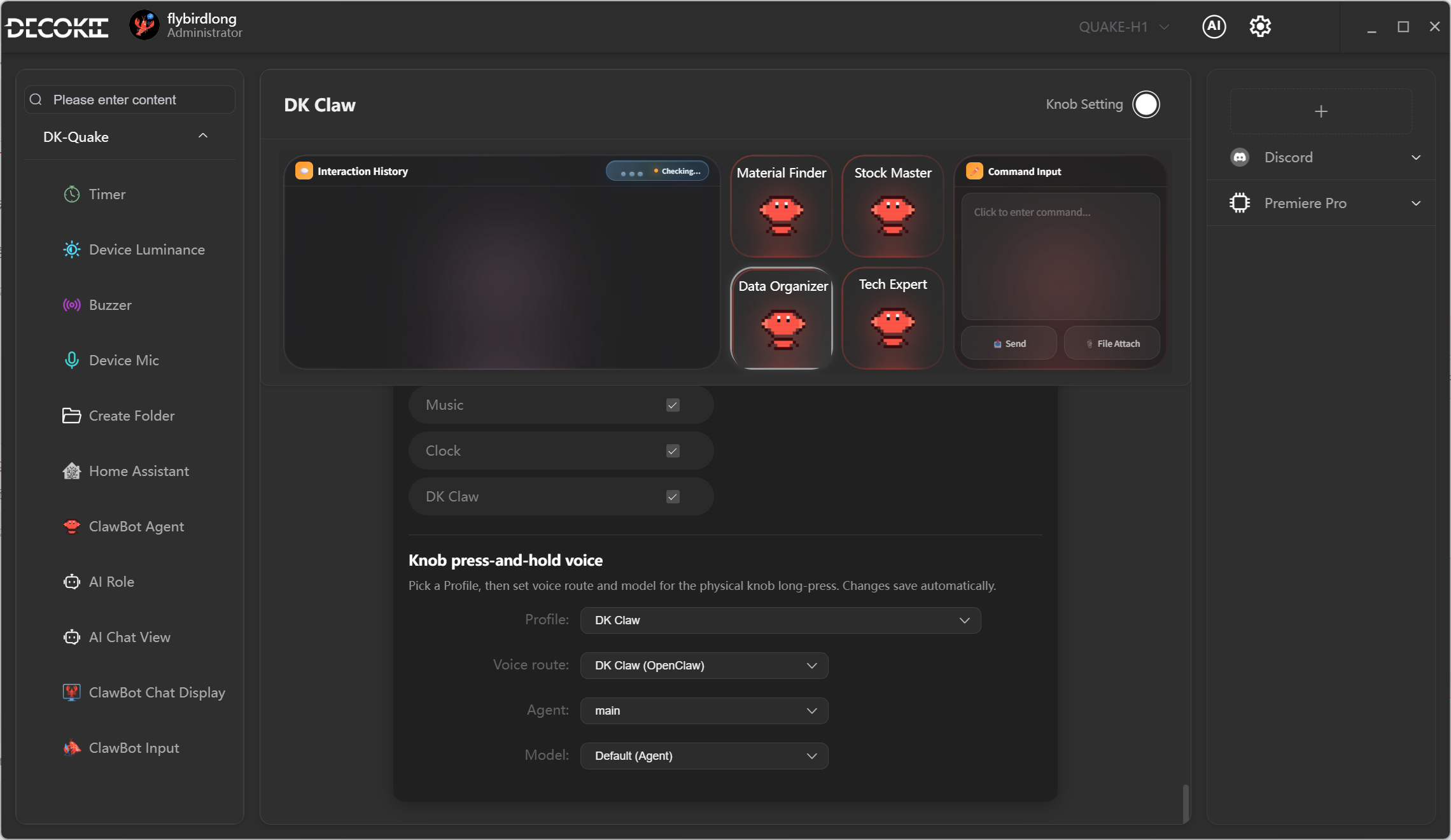
Touch and long press an Agent icon. After hearing 2 beeps, you can speak to that Agent — ask questions, assign tasks, etc.
Knob Configuration
Under the DKClaw Profile, the Knob can be configured as DKClaw's main Agent, used to communicate with the other four Agents.